
 Software
 Software
Software
Software
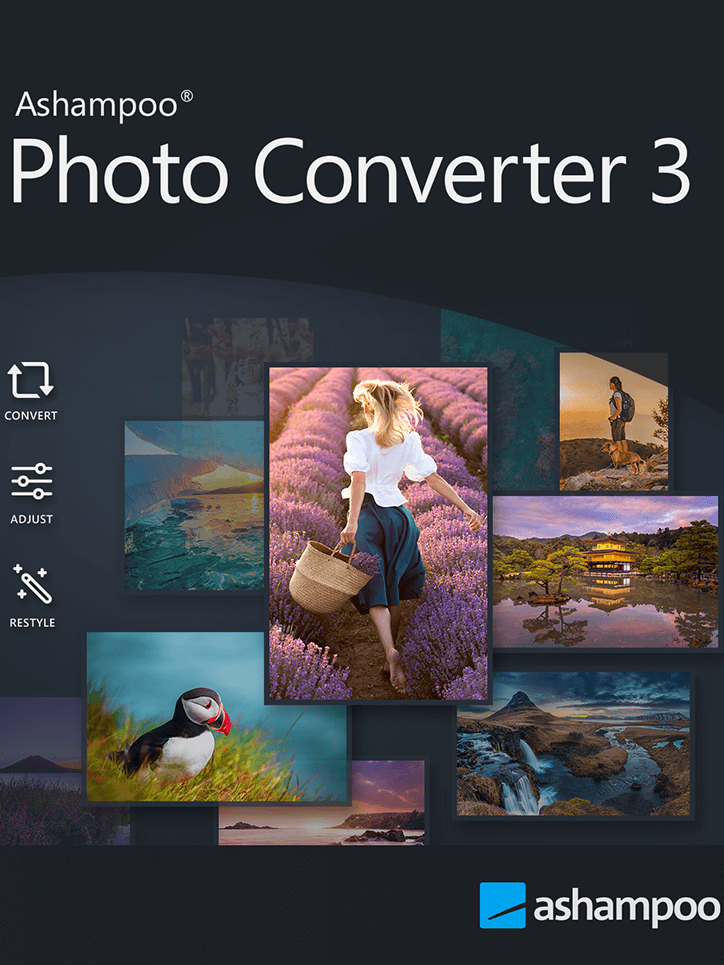
Ashampoo Photo Converter 3 Activation Key
Convert, resize, and enhance images in batches with Ashampoo Photo Converter 3 – fast, intuitive, and powerful.
- Platform: Other
- Region: REGION FREE
- Product type: Software
About Ashampoo Photo Converter 3
Ashampoo Photo Converter 3 is a versatile image conversion tool designed for both beginners and professionals. It enables you to convert single images or entire folders into various formats quickly and efficiently. With support for over 20 image formats including RAW, HEIF, and SVG, it handles virtually any photo file you throw at it. The software runs natively as a 64-bit application on Windows 10 and 11, ensuring optimal performance and memory usage.
The program features two distinct modes: a simple GUI for everyday users and a powerful command-line interface (CLI) for advanced automation. The GUI includes a redesigned batch wizard with drag-and-drop support, a sortable command list, and live previews, making it easy to process large collections. For professionals and server environments, the CLI offers extensive parameter control, allowing you to automate conversions with logging and output format selection.
Performance is a key highlight of version 3. JPG and PNG processing is up to 50% faster than previous versions, and metadata such as EXIF and XMP are preserved during conversion. The software also supports DPI-based resizing with precise inch specifications, aspect ratio adjustments, and the ability to add frames or watermarks during batch processing. These features make it an ideal tool for photographers, content creators, and anyone managing large image libraries.
Beyond conversion, Ashampoo Photo Converter 3 offers a range of creative and corrective editing tools. You can adjust brightness, contrast, color saturation, and gamma, or apply effects like sepia, black & white, oil painting, and pencil sketch. The program also includes sharpening, artifact reduction, and automatic color optimization. For organization, you can insert shooting dates, preserve file timestamps, or automatically delete originals after conversion.
The software is region-free and comes as a digital activation key. It supports high-DPI displays and features a modern, intuitive interface. Whether you need to resize hundreds of images for a website, convert RAW photos to JPEG, or automate batch processing in a server environment, Ashampoo Photo Converter 3 provides the tools you need with speed and reliability.
- Batch convert images to over 20 formats including RAW, HEIF, SVG
- Up to 50% faster JPG and PNG processing
- Dual interface: simple GUI and powerful CLI for automation
- Preserve EXIF/XMP metadata during conversion
- Apply effects, watermarks, frames, and resize with DPI precision
Specifications
PlatformOther
RegionREGION FREE
TypeSoftware
Deal pathExternal offer
Recommended next
View catalog →

Guides and reviews
All guides →
Read more before the next click
Deal paths
More ways to find the right pick
Use these clean catalog paths to jump into related platforms, product types, categories, and search-intent topics without losing the thread.
Platform hub
More Other picks
Explore picks →
Category hub
Browse Software deals
Explore picks →
Product type
More Software listings
Explore picks →
Topic
Ashampoo Photo Converter 3
Explore picks →
Topic
image converter software
Explore picks →
Topic
batch photo converter
Explore picks →
Topic
RAW converter
Explore picks →
Topic
HEIF converter
Explore picks →
Related paths
Keep moving through connected picks
Similar titles, platform matches, add-ons, and category neighbors pulled together automatically from the catalog.
 Same series
Ashampoo WinOptimizer 2026 Key (2 PCs)
Same series
Ashampoo WinOptimizer 2026 Key (2 PCs)
 Same series
Ashampoo WinOptimizer 26 Key (2 PCs)
Same series
Ashampoo WinOptimizer 26 Key (2 PCs)
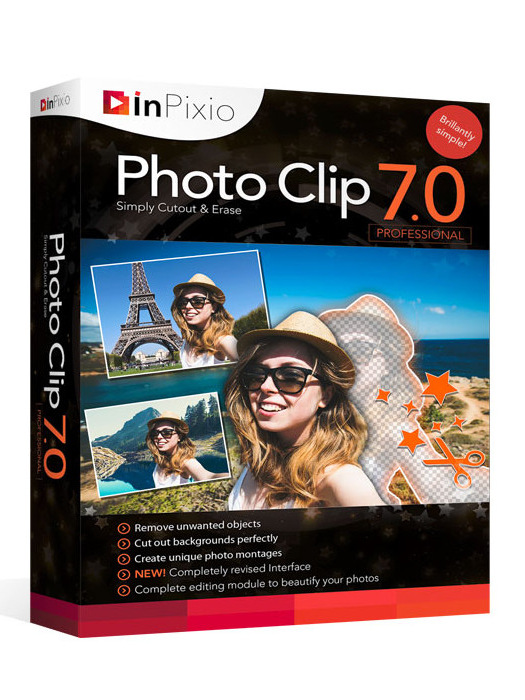 Other pick
InPixio Photo Clip 7 Professional Key (4 PCs)
Other pick
InPixio Photo Clip 7 Professional Key (4 PCs)
 Other pick
ACDSee Photo Studio Professional 2024 Key (1 Year / 1 PC)
Other pick
ACDSee Photo Studio Professional 2024 Key (1 Year / 1 PC)
 Other pick
inPixio Photo Studio 10 Ultimate Key (4 PCs)
Other pick
inPixio Photo Studio 10 Ultimate Key (4 PCs)
 Other pick
FastStone Photo Resizer 4.3 PC CD Key (3 PCs)
Other pick
FastStone Photo Resizer 4.3 PC CD Key (3 PCs)
Ashampoo Photo Converter 3 Activation Key FAQ
What image formats does Ashampoo Photo Converter 3 support?
It supports over 20 formats including JPG, PNG, BMP, GIF, TIFF, RAW (Canon, Nikon, DNG), HEIF, SVG, and more. You can convert to and from these formats.
Can I use Ashampoo Photo Converter 3 for automated batch processing?
Yes, the CLI mode allows full automation with parameters for input/output, format, quality, logging, and more. Perfect for server environments or repetitive tasks.
Does this software preserve metadata like EXIF during conversion?
Yes, Ashampoo Photo Converter 3 preserves EXIF and XMP metadata by default, ensuring your image details remain intact.